
Templates
Makesheet
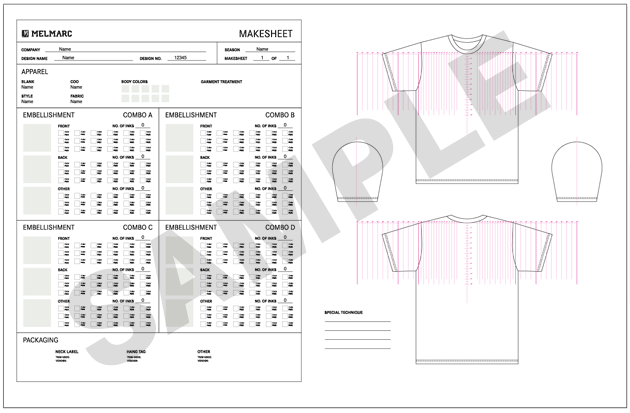
A “Makesheet” (also commonly referred to as a “matrix” or “comp”) is the road map that Melmarc uses to guide all decisions regarding how to best execute your artwork. A thorough makesheet can speed up the decision making process and eliminate tedious “back and forth” questions. Click here to learn more about a Makesheet.
Download a blank Makesheet.
Garment Spec
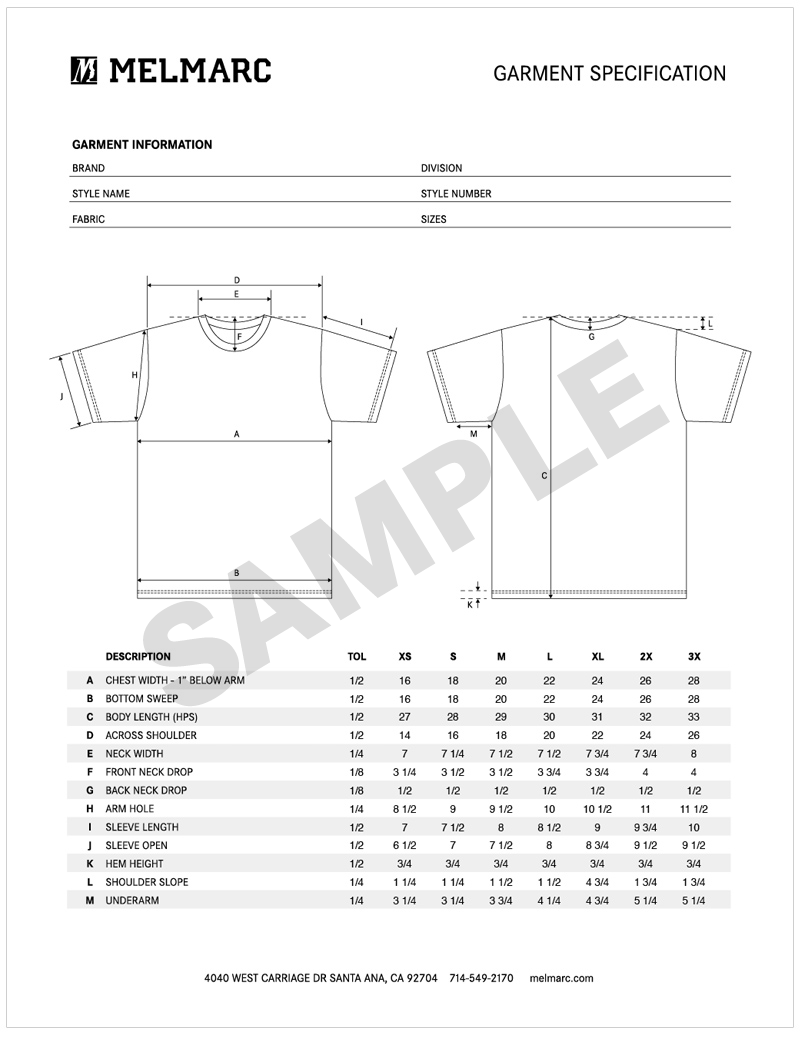
A “Garment Spec” is required when a custom made t-shirt blank or garment is to be made. Click here to learn more about a Garment Spec.
Download a blank template version of this Garment Spec.
Purchase Order
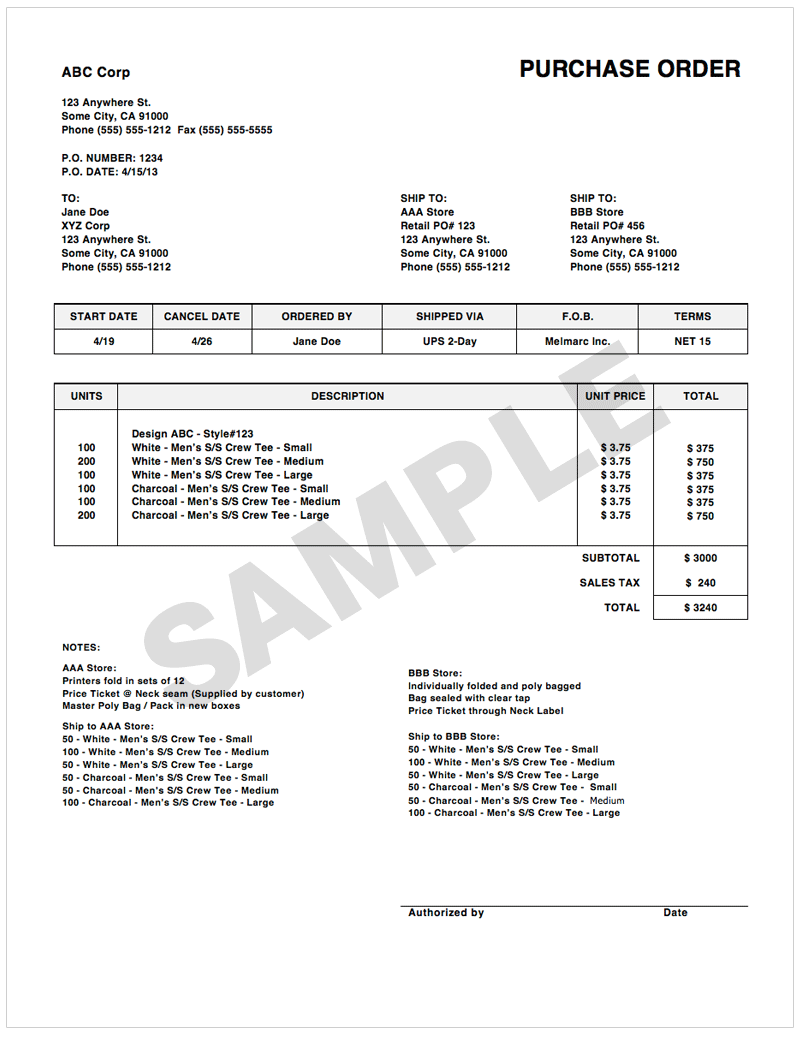
Before turning in a Purchase Order (PO) Please make sure that all artwork, matrices, samples and art form are filled out and submitted to the correct person.
Download a blank MS Word template version of a Purchase Order.
File Submission
Files should be vector form, we prefer: EPS, AI or PDF. If you don’t have a vector file, we recommend 300dpi or larger in one of the following formats: PSD, TIF or JPG.

Once your file is ready, Melmarc can receive the files via the following methods:
• Disc
• DVD
• YouSend it (yousendit.com) or similar sites
• e-mail
• Melmarc FTP
• Customer Specified FTP
When using Melmarc FTP, please send an email to our Art Librarian at artdept@melmarc.com specifying the names of the files uploaded. We do not check for customer’s folders unless we have been notified that a file needs to be downloaded.
Melmarc Guest FTP info:
Address: ftp://upload.melmarc.com
Logon: Guest
Password: 4040guest
For MAC users, ideal FTP programs are CyberDuck or Fetch
For PC users, you can use Internet Explorer.
Type in the above URL in your browser
Select Page from your menubar or toolbar
Select the option “Open FTP Site in Windows Explorer”
A new window will open – Select File, then “Login As”
Enter the user name and password above into the login screen.
Drag your file(s) to the open window.